Quick verdict
The DJI Osmo Pocket 3 is compelling for one simple reason: it gives a solo creator a more deliberate video setup without turning every shot into a production. The built-in gimbal, rotating screen, and pocketable body are designed around the moment when a phone feels too casual but a mirrorless camera feels like too much equipment.
Based on DJI’s published specifications, the camera combines a 1-inch CMOS sensor, 4K/120fps recording, and three-axis mechanical stabilization. Those are useful capabilities, but the real buying decision is about workflow. Will the camera help you capture more of the footage you already want to make, or will it become one more device to charge, carry, and edit?
For travel vlogs, walking videos, hotel-room explainers, and short-form clips, the answer can be yes. For still photography, rugged outdoor work, or people who want one device to handle every kind of content, the answer is less certain.
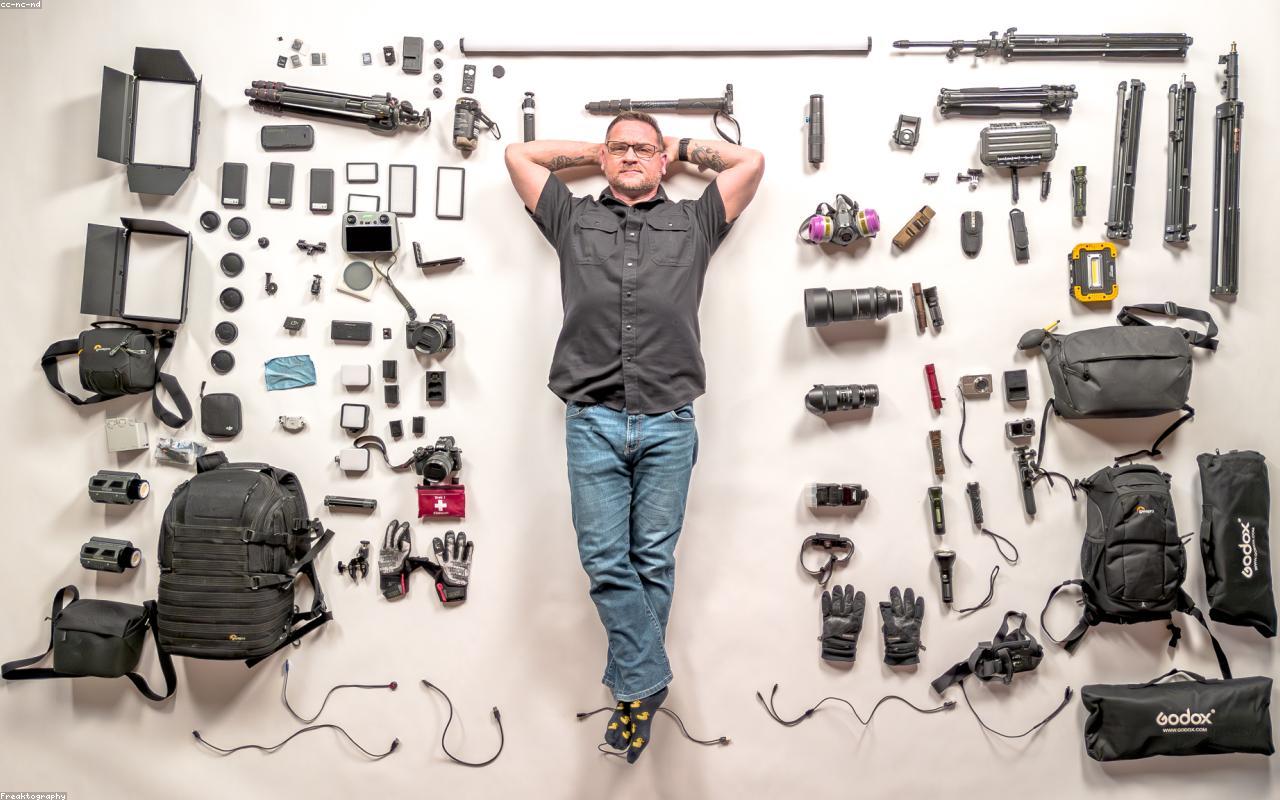
Representative creator scene. This is not an official DJI product photograph.
The problem it is trying to solve
Most solo creators do not struggle because they lack another camera mode. They struggle because the setup between idea and recording is too slow.
A phone is always nearby, but it can be awkward for walking footage, self-recording, and shots where you want the camera to stay level as you move. A larger camera can produce a more flexible image, but it brings a body, lens, stabilization, audio, and support system that may be difficult to justify for a short trip or an everyday channel.
The Osmo Pocket 3 sits between those two choices. It is a purpose-built video tool that can be picked up quickly, framed for a talking shot, and packed without building a complete rig. That does not make it automatically better than a phone. It makes it better suited to a particular kind of friction: the creator who knows what they want to film but keeps choosing not to set everything up.
What makes the Pocket 3 different
The gimbal changes the shape of the shot
Mechanical stabilization gives the camera a physical way to manage movement. That matters most when the creator is walking, turning, or following a subject instead of standing still with the phone held at arm’s length.
The benefit is not that every clip suddenly looks cinematic. The benefit is that the camera is built for movement, and the creator can think about the scene instead of constantly trying to keep the frame steady. The tradeoff is that a gimbal camera has moving parts and a more specific job than a general-purpose phone.
The rotating screen is a workflow feature
The screen is not just a display. It changes how the camera is used when the person filming is also the person on screen. A rotating screen makes it easier to switch between landscape and vertical framing, check composition, and start a talking-head clip without a separate monitor.
That is especially useful for travel creators who need both a landscape YouTube shot and a vertical clip for Instagram Reels, TikTok, or Shorts. The camera does not remove the need to edit, but it makes the capture step more intentional.
The 1-inch sensor sets a higher starting point
DJI’s 1-inch CMOS sensor is one of the reasons the Pocket 3 is more than a stabilized selfie camera. Sensor size is not a guarantee of perfect low-light footage, and it does not replace careful exposure or good lighting. It does give the camera a stronger starting point for detail and background separation than many tiny action-oriented cameras.
The practical lesson is to judge the camera by the situations in which you film. A creator who records hotel-room walkthroughs, indoor talking videos, or evening street scenes may care more about this than someone who only makes bright daytime clips.
The best use cases
Travel days when you cannot repeat the moment
Travel footage is often difficult because the interesting moment arrives before the camera is ready. A street performer moves on, a train platform changes, or a viewpoint disappears behind the crowd. A small camera with a dedicated video workflow is easier to justify when you want to keep recording rather than deciding which lens, tripod, or phone mode to use.
The Pocket 3 is a good fit for creators who film walking tours, food trips, hotel reviews, city guides, and short travel diaries. It is also useful when a phone needs to stay available for maps, messages, tickets, or navigation.
Solo talking-head videos
Creators who work alone often need to be both talent and camera operator. The Pocket 3’s size, screen, and gimbal design are aimed at that exact situation. Put it on a small support, frame the shot, and record without turning the room into a studio.
That workflow is most persuasive for people who publish regularly. If you only make a video once every few months, a phone may still be the more sensible device because it is already part of your routine.
Vertical content with a real camera feel
Short-form video rewards speed, but speed does not mean every clip should look like a phone snapshot. A dedicated camera can make a creator more deliberate about movement, framing, and the transition between a wide establishing shot and a close talking shot.
The Pocket 3 is a good match for people who want to make vertical clips without buying a full camera, gimbal, and monitor combination. Verify the current shooting modes and accessories before buying, since the exact workflow depends on the way you plan to mount and carry it.
Product, room, and desk videos
The camera also makes sense for small businesses and creators who film products in a hotel room, home office, or temporary workspace. A gimbal can make a slow walk-around shot easier, while the larger sensor gives the footage a more intentional look than a basic webcam setup.
The useful question is whether a small dedicated camera will make you publish more often, not whether it replaces every camera you already own.
Who should skip it
Skip the Pocket 3 if most of your work is still photography. It is a video-first tool, and a mirrorless camera or a phone may be a better fit for photographers who care about lenses, interchangeable systems, or quick still capture.
Skip it if you need a waterproof action camera or equipment designed for rough outdoor use. The Pocket 3’s compact gimbal body is built around controlled handheld video, not every kind of weather and impact.
It is also a poor choice for anyone who dislikes editing. A dedicated camera can improve capture, but footage still needs to be moved, organized, trimmed, and published. If the fastest path from idea to post is the only goal, the phone in your pocket may win.
What the workflow looks like in real life
Packing
The Pocket 3 is small enough to fit into a travel kit without taking the space of a full camera body and lens. That does not mean it is accessory-free. Think about storage, charging, protection, a small mount, and whether you need better audio for the kind of videos you make.
The Creator Combo can be attractive when its accessories match your workflow. It is not automatically the better purchase. Compare the bundle with the base camera and decide which items you would buy separately in the first month.
Shooting
The camera is most useful when the shot involves movement or self-recording. Walk through a market, speak to camera in a hotel room, pan across a workspace, or capture a smooth entrance into a location. Those are the moments where a phone may require more deliberate hand technique or extra support.
For a static shot, the advantage is smaller. A phone on a tripod can already produce perfectly usable footage, especially when the lighting and audio are controlled.
Editing and publishing
A dedicated camera creates another step after recording. Files need to be transferred, the best takes need to be selected, and the final format needs to match the platform. That is a real cost even when the camera itself is simple to use.
The Pocket 3 earns its place when the improved capture experience leads to better footage or more consistent publishing. It is less convincing when it only creates a higher-resolution archive of clips that never get edited.
Specifications to verify before buying
Check the live listing and DJI’s current specifications for:
- The exact video modes you plan to use, including high-frame-rate options
- Storage-card requirements and file sizes for your typical trips
- Microphone compatibility and whether the desired audio accessory is included
- Battery expectations for the length of your shooting days
- Mounting options for vertical video, walking shots, and small tripods
- The difference between the standard camera and Creator Combo contents
- Warranty, repair, and return coverage from the seller
The product page lists core capabilities, but a buyer still needs to translate those capabilities into a kit. A camera that fits the shot but not the storage, audio, or charging plan will create a different kind of friction.
Phone versus Pocket 3
Choose a phone when convenience, instant sharing, and one-device simplicity matter most. A phone is also the better fit when you mostly shoot stills, quick clips, or casual family moments.
Choose the Pocket 3 when movement, self-recording, gimbal stabilization, and a more intentional video workflow matter more than instant convenience. The camera is not a universal phone replacement; it is a focused tool for creators who have started to feel the limits of phone video.
Alternatives
Choose the Insta360 X5 if your main problem is framing after the fact. A 360 camera can capture more of the scene and let you reframe later, but that flexibility adds editing work.
Choose an action camera if weather resistance, rugged mounting, or outdoor activity is the priority. It is a different compromise, with more emphasis on durability and wide-angle action coverage.
Choose a mirrorless camera if lenses, still photography, manual control, and a larger long-term system matter more than pocketability. It can produce a more flexible setup, but it also asks more from the person carrying and operating it.
Final verdict
The DJI Osmo Pocket 3 is a strong buy for the creator who is already trying to make videos and keeps losing time to setup. It is small, video-focused, and built around the moments when a phone is convenient but not quite enough.
The decision is less about owning the newest camera and more about whether the camera matches the way you work. If your videos involve walking, travel, solo presentation, vertical clips, or small spaces, the Pocket 3 has a clear role. If you need still photography, rugged outdoor use, or a single device for everything, keep the phone or look at a different camera category.
Before buying, compare the current Amazon listing with DJI’s published specifications, check the bundle contents, and make sure your storage, audio, and charging plan are ready for the footage you intend to create.
FAQ
Is the Osmo Pocket 3 better than a phone?
It can be better for stabilized movement, solo creator work, and a dedicated video workflow. A phone remains easier for casual clips, still photography, and immediate sharing.
Is it good for low light?
The 1-inch sensor gives it a stronger starting point than many small action cameras, but low-light results still depend on exposure, movement, and available light. Compare sample footage for the places where you actually film.
Should I buy the Creator Combo?
Buy it when the included audio, mounting, or handling accessories match your first projects. Otherwise, start with the base camera and add only the pieces your workflow proves you need.
Is it suitable for beginners?
It is approachable for beginners who want to learn video, but the camera does not remove the need to learn framing, audio, storage, and editing. Its main advantage is reducing setup friction, not eliminating the craft.